How to play GTA 6 on your PC monitor with a capture card
If you own a PS5 or Xbox and want GTA 6 on your PC monitor, or want to stream it to Twitch or YouTube, a capture card is one of the most reliable ways to do it.
Capture card vs Remote Play
| Capture card | Remote Play | |
|---|---|---|
| Cost | Buy a capture card | Free |
| Picture quality | Very high, uncompressed with passthrough | Compressed, depends on network |
| Lag | None with passthrough | Some, depends on network |
| Best for | Streaming, recording, one-desk setups | Playing from another room |
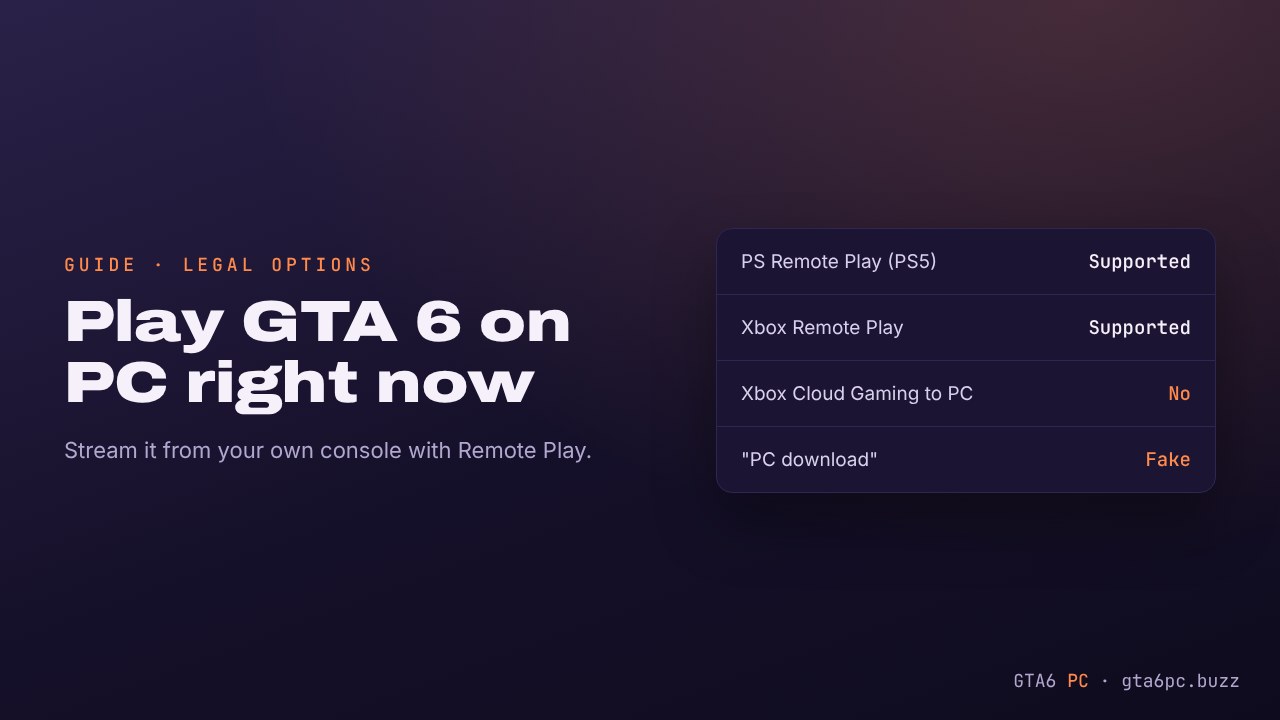
If you just want to play away from the TV, Remote Play is free and easier.
What you need
- A PS5 or Xbox Series X|S with GTA 6.
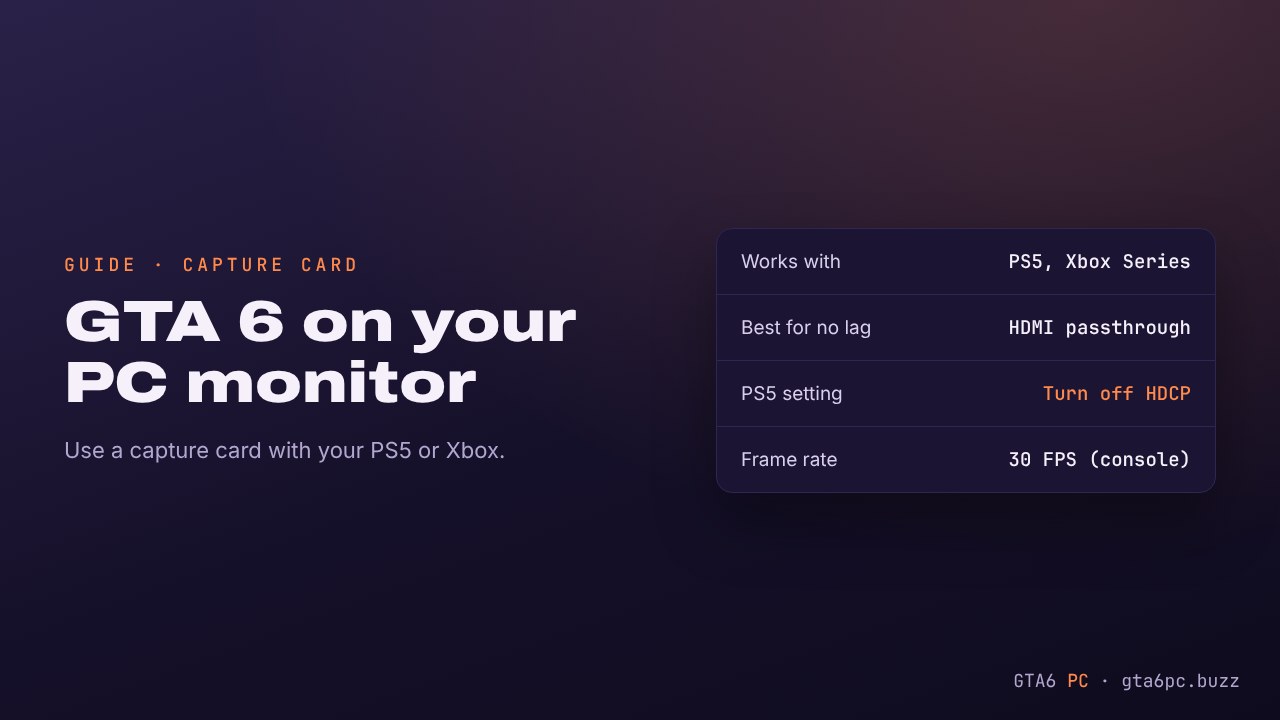
- A capture card. External USB cards are easiest. Many offer 4K60 or 1440p passthrough.
- Two HDMI cables if you use passthrough.
- Free software like OBS Studio, or the capture card maker's app.
How to set it up
- Connect the console's HDMI to the capture card's HDMI in.
- Connect the card's HDMI out (passthrough) to your monitor, if you want lag-free play.
- Connect the card to your PC over USB.
- Open OBS or the card's app and add the capture card as a video source.
PS5: turn off HDCP
The PS5 uses HDCP copy protection over HDMI, which blocks capture cards. In the PS5's system settings, under the HDMI options, turn off Enable HDCP. Turn it back on for streaming apps like Netflix, which require it. Xbox Series consoles generally allow game capture without this step.
Avoiding lag
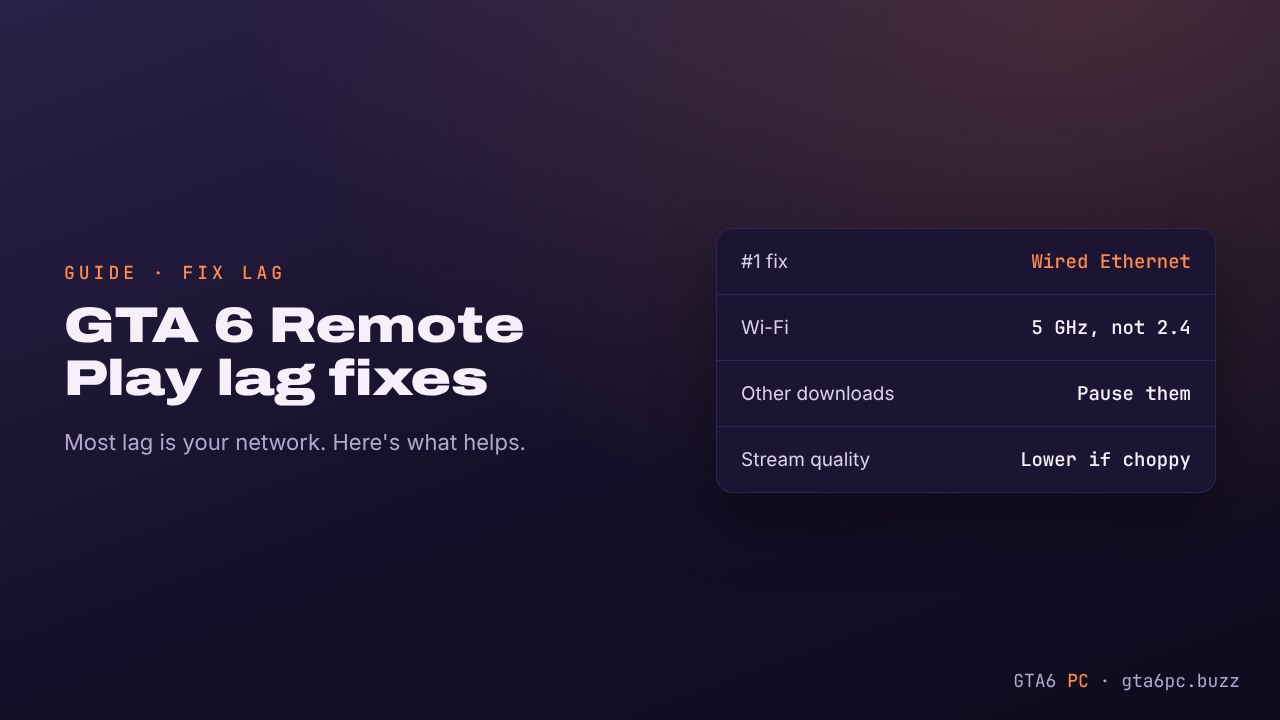
Watching the game through OBS on your PC adds a small delay that's noticeable in a game like GTA 6. For playing, look at the passthrough output on your monitor. Use the PC preview only for streaming and recording.
Remember: it's still the console version
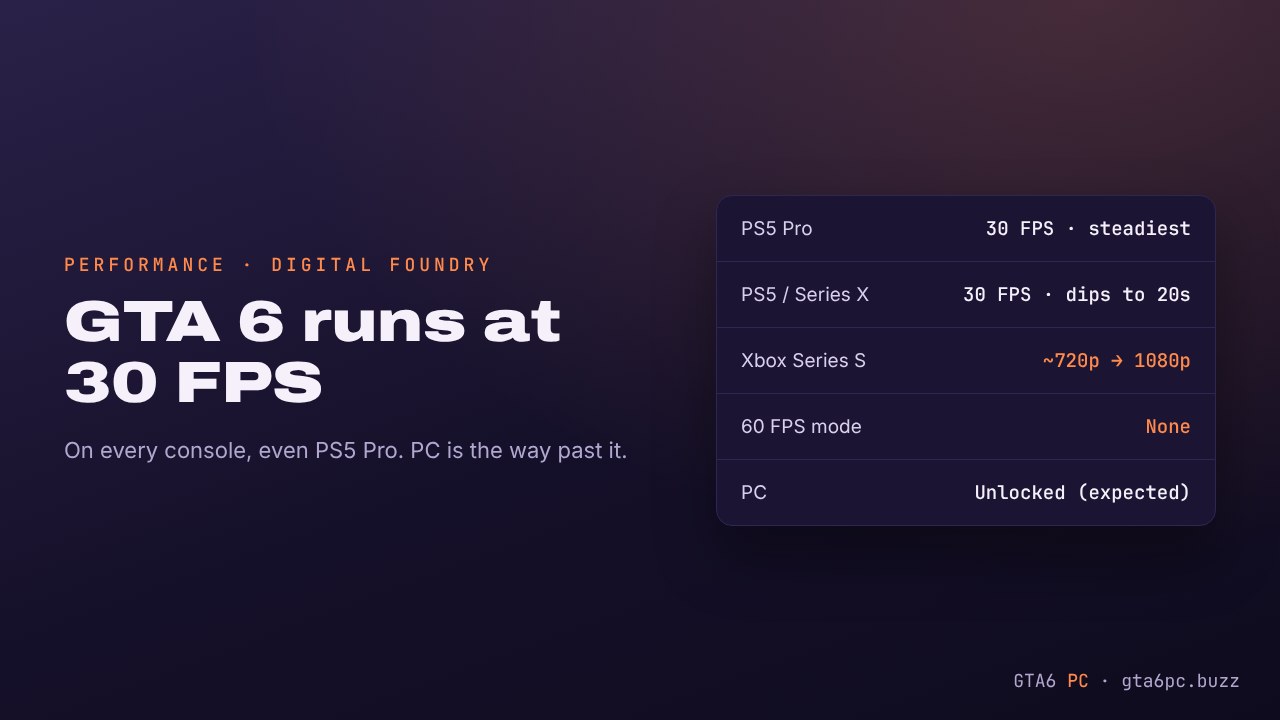
A capture card shows the console's output, so you get console performance: 30 FPS, the console's resolution, no mods and no PC settings. For those, you'll need the official PC version, reported for early 2027.
Last updated . We update this page when Rockstar announces anything new.