GTA 6 PC port FPS explained: why one tracker says 20 FPS and another says 5 FPS
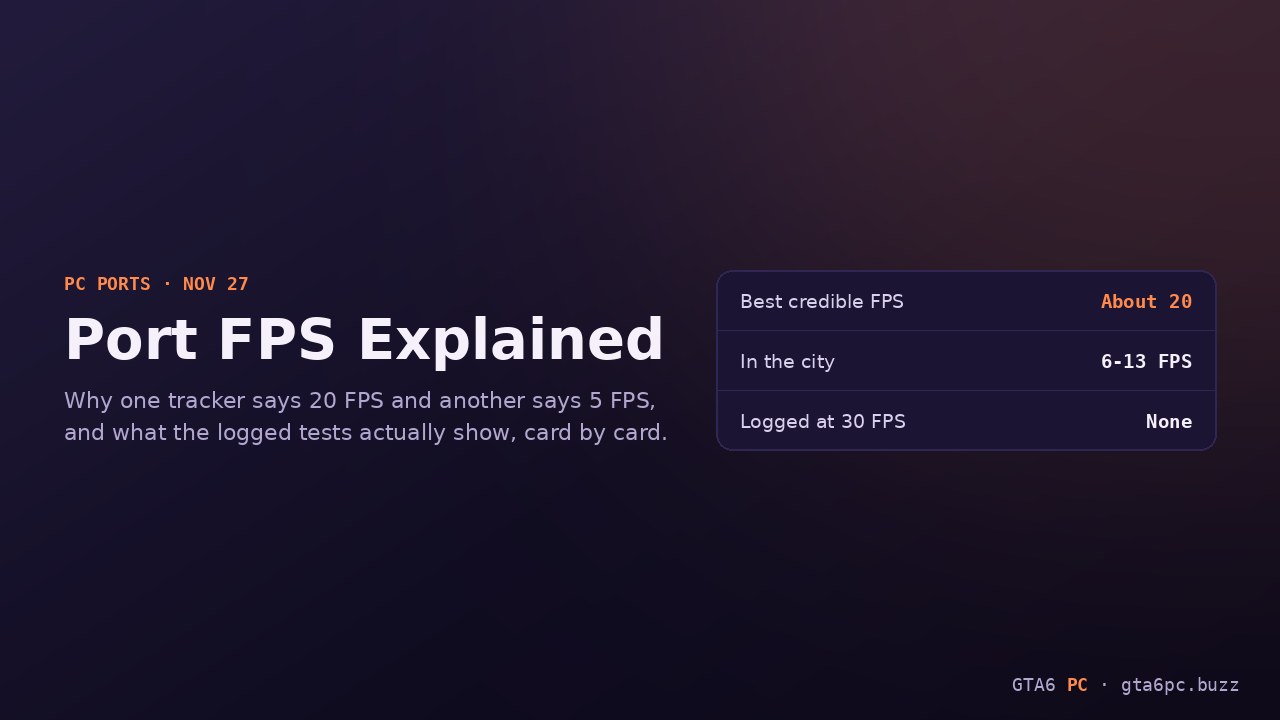
Search for GTA 6 PC port frame rates and you will find two very different answers. One independent tracker puts the best credible result at about 20 FPS, with 19 to 23 FPS on the most powerful cards in light scenes. A Notebookcheck report from the same week says the fastest builds reported so far only reach 3 to 5 FPS. Both are honest readings of the same race. The difference is what they measured, where they measured it, and which builds they counted.
The short answer: both numbers are real, in different conditions
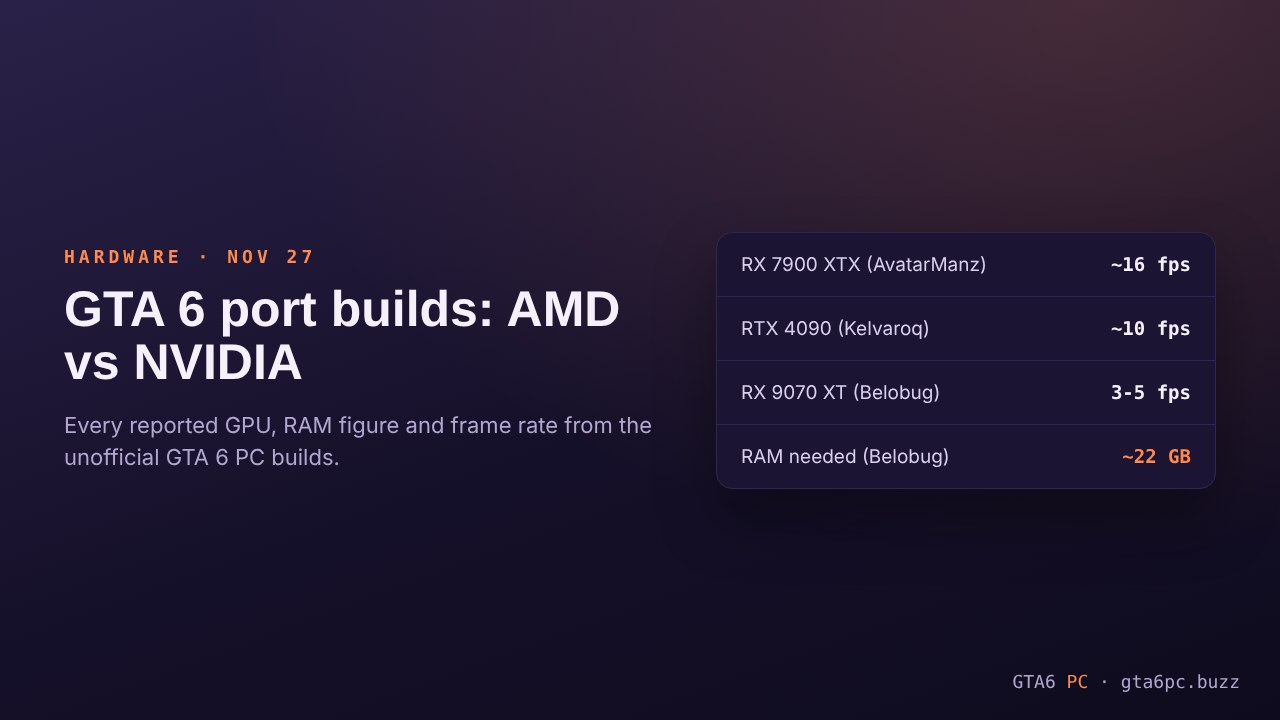
The argument over GTA 6 PC port frame rates is really an argument over what counts as a test. The independent tracker vgnw, updated on November 27, puts the best credible frame rate at around 20 FPS, with 19 to 23 FPS logged in light scenes on the most powerful cards, such as the RTX 4090 and RX 7900 XTX, and 6 to 13 FPS in the city. Notebookcheck, reporting on November 25 and updated November 26, says the fastest builds reported so far only reach 3 to 5 FPS, and that most experimental builds deliver between 1 and 5 FPS even on powerful hardware. A clip it cites shows the prologue running at just 1 to 3 FPS on an RTX 5070 Ti with a Ryzen 7 7800X3D and 32 GB of memory.
Neither source is wrong. They are looking at different builds, in different scenes, on different cards, measured in different ways. Once you know what each number actually describes, the disagreement disappears, and the picture it leaves is consistent: the ports are real, they reach the open world, and none of them is smooth.
Five things that change the number
1. The project. There are about 35 tracked projects, and they are not the same code. HotRepo compared 12 of them from a snapshot taken at 12:12 UTC on November 27, and the spread is wide. Its table has klbf-lab at 16.9 FPS average over a 60 minute test on an RX 9070 XT, VIctory-NVIDIA at mostly 26 to 30 FPS in the opening rooms on an RTX 5070, Vice-Tay at 21.1 FPS median on an RTX 4090, and the original VIctory at about 1 FPS on an RX 6700 XT. The same game, the same week, and the numbers run from 1 to 30 FPS depending on which project you pick.
2. The scene. Light scenes are fast, the city is slow. The tracker is explicit about this: 19 to 23 FPS in light scenes, 6 to 13 FPS in the city, on the same top cards. VIctory-7900XTX shows the same split in its own tests, with 25 FPS standing and 23 FPS walking on a city street at 1080p with ray tracing off, and about 9 to 10 FPS with ray tracing on. A number without a scene attached tells you almost nothing.
3. The picture profile. The ports can render the game with the Series S picture or the Series X picture, and the two cost very different amounts of work. ScarlettPort is a good example. Its own readme, quoted by HotRepo, reports about 7 to 8 FPS using the Series S profile on an RTX 3060. DSOGaming, reporting the same port on November 27, cites tests on an RX 9060 XT at a median of 18.9 to 22.0 FPS. Different card, different profile, different result, same project.
4. Ray tracing. Ray-traced lighting is one of the showpiece features of the ports, and it is also one of the most expensive. VIctory-7900XTX drops from the mid 20s to about 9 to 10 FPS when ray tracing is turned on. Most of the faster figures you see online are measured with ray tracing off, and many builds still have parts of the picture missing, such as shadows, water or night scenes, which flatters the number further.
5. How long the test ran. A 30 second clip in a quiet room is not a 60 minute play session. HotRepo notes that only klbf-lab follows a shared method, using the same save and the same route, and the other projects have not measured that way. The tracker found the same problem in the other direction: one build claimed 25 FPS, but its own frame times worked out to 17 to 18 FPS, and a 70 minute run on an RTX 4090 fell to 13 FPS. Short tests overstate, long tests tell the truth.
What the numbers look like, card by card
Putting the sources together, and keeping each figure next to the conditions it was measured in, the picture looks like this:
| Hardware | Best logged FPS | Conditions |
|---|---|---|
| RTX 4090 | 21 to 23 FPS | Light scenes, 30 minute tests; 13 FPS over 70 minutes |
| RX 7900 XTX | 19 to 22 FPS | Out at sea; 6 to 10 FPS in the city, 9 to 10 with ray tracing |
| RX 9070 XT | 16.9 FPS average | klbf-lab, 60 minute test, Series X picture |
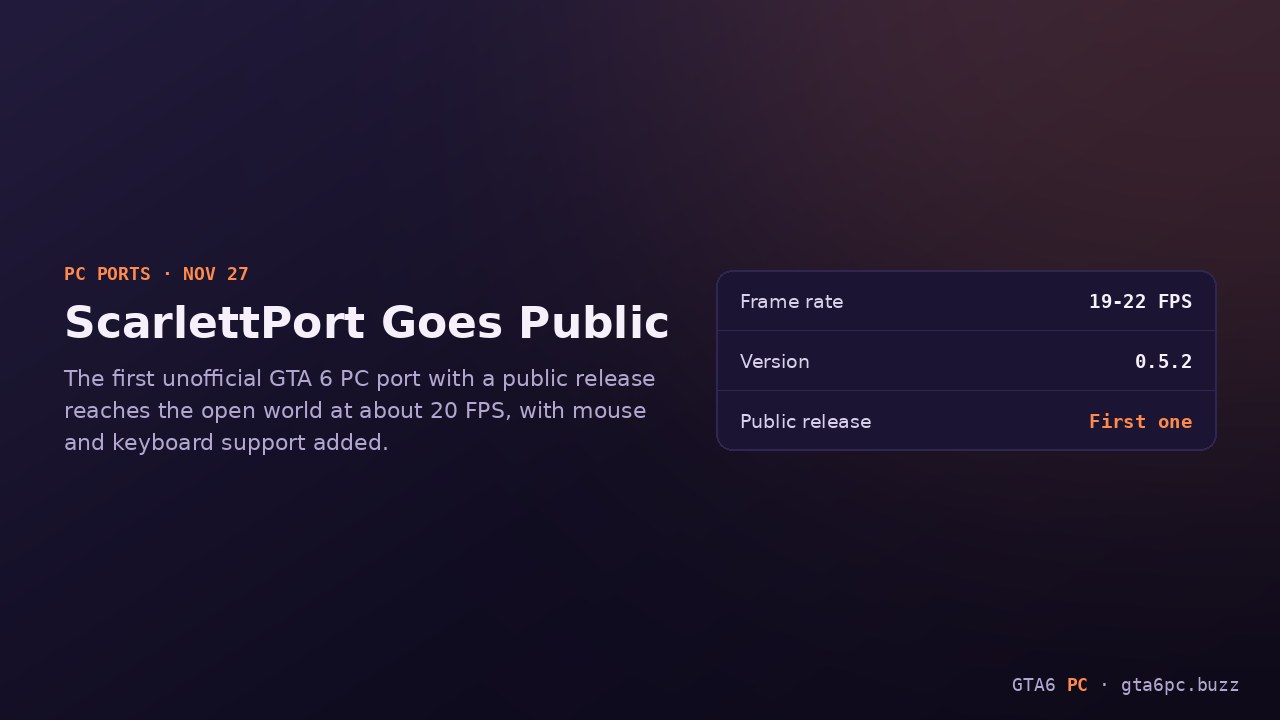
| RX 9060 XT | 18.9 to 22.0 FPS median | ScarlettPort 0.5.2, reported by DSOGaming |
| RTX 5070 | 26 to 30 FPS | VIctory-NVIDIA, opening rooms only, 1440p, DLSS Quality |
| RTX 4070 class | 4 to 10 FPS | Verified across several projects, 6 to 24 minute logs |
| RTX 4060 and RTX 3060 class | 1 to 10 FPS | Verified across several projects, frequent driver crashes |
| Apple M5 Max (Mac) | 2 to 3 FPS | VIctory macOS build, November 27 update |
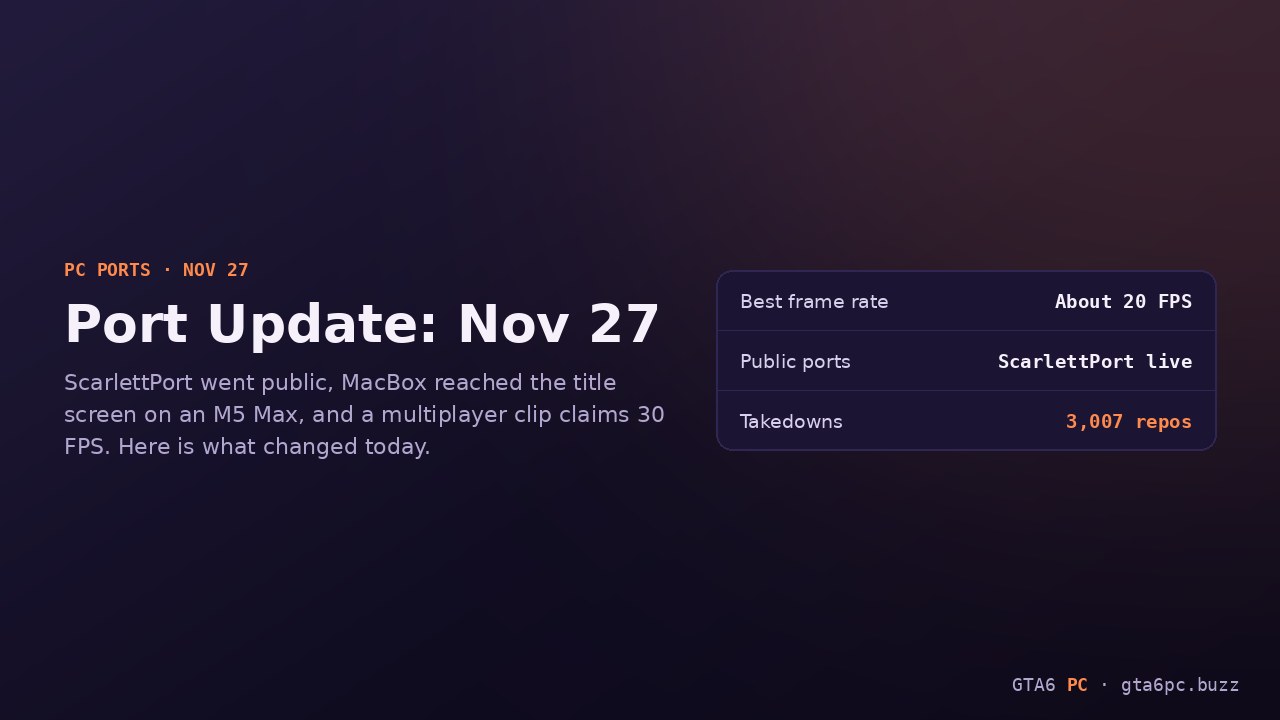
Two things stand out. First, the top of the table is all short tests in easy scenes. Second, the middle of the table is where most players live, and it is 4 to 10 FPS. Our ScarlettPort report has the full story on the first public release, and our November 27 port update covers the rest of the days news.
The claims you should not believe
The tracker keeps a claims table, and it is worth reading before you trust a clip. A port running at a locked 30 FPS on PC, or 30 FPS at 4K, is listed as unverified, because no logged measurement reaches 30 FPS. The 60 FPS and 120 FPS at 4K videos are listed as false: they show the game running at 30 FPS on a console, captured to a PC and smoothed with frame generation. The multiplayer clip claiming 30 FPS is also listed as unverified, with just one video, a private build, and nobody able to test it independently. Our multiplayer video explainer goes through that clip in detail.
There is also a hardware warning that rarely makes it into the clips. The projects ask for a processor with AVX2 and a Direct3D 12 card with shader model 6.6 and mesh shaders, and the tests report 20 to 45 GB of system memory in use, plus about 10 GB of video memory. One project reportedly used up to 46 GB of system memory on a PC with 64 GB. These builds are not something a typical gaming PC can handle, even before you count the crashes.
So what is the real frame rate?
If you want one number to remember, use the trackers: about 20 FPS in light scenes on the most powerful cards, 6 to 13 FPS in the city, single digits on most cards, and nothing logged at 30 FPS. If you see a higher number, ask four questions before you believe it: which project, which scene, which card, and how long was the test. If the clip cannot answer them, it is a claim, not a measurement. And if it promises a smooth 60 FPS download, it is not a port at all. It is a fake, and the fakes going around now commonly carry password-stealing malware. Our GTA 6 PC download scams guide explains how to spot them, and the honest position remains the same: there is no official PC version, Rockstar has announced no date, and the only safe way to play on PC today is Remote Play from your own console.
Quick answers
What FPS do the GTA 6 PC ports actually run at?
The best credible figure is about 20 FPS in light scenes on the most powerful graphics cards, such as the RTX 4090 and RX 7900 XTX, with 19 to 23 FPS logged there. In the city the same builds drop to 6 to 13 FPS. Most builds on ordinary cards run in single digits, and no logged measurement has reached 30 FPS.
Why does one tracker say 20 FPS and another say 5 FPS?
They measured different things. The 20 FPS figure comes from the best builds in light scenes on high end cards. The 3 to 5 FPS figure comes from a wider look across the tracked projects, including slower builds, heavier city scenes and weaker cards. Scene, picture profile, ray tracing, resolution and test length all change the number.
Can any GTA 6 PC port run at 30 FPS?
Not in any logged test. One tracker states plainly that no logged measurement has reached 30 FPS. Some project readmes report 26 to 30 FPS in opening rooms, but those are the projects own tests in easy scenes, and they have not been cross-checked the same way.
Is the 60 FPS GTA 6 PC video real?
No. The tracker and several reports agree that videos showing 60 FPS or 4K at 120 FPS are console footage captured to a PC and smoothed with frame generation, not the game running on a PC. The console version itself targets 30 FPS.
What hardware do the ports need?
More than a normal gaming PC. The projects ask for Windows 10 or 11, a processor with AVX2 and a Direct3D 12 card with shader model 6.6 and mesh shaders. Tests report 20 to 45 GB of system memory in use, and about 10 GB of video memory. One project reportedly used up to 46 GB of system memory on a 64 GB PC.
Last updated . We update this page when Rockstar announces anything new.