Will GTA 6 support ultrawide on PC?
Ultrawide monitors have gone from a niche luxury to a normal part of a PC gaming setup, and GTA 6 is exactly the kind of game that benefits from a wider view. The problem is that Rockstar has not announced the PC version at all, let alone its display options. Here is what is confirmed, what the studio's last PC ports did, and what you can reasonably expect.
The short answer: not confirmed, but likely
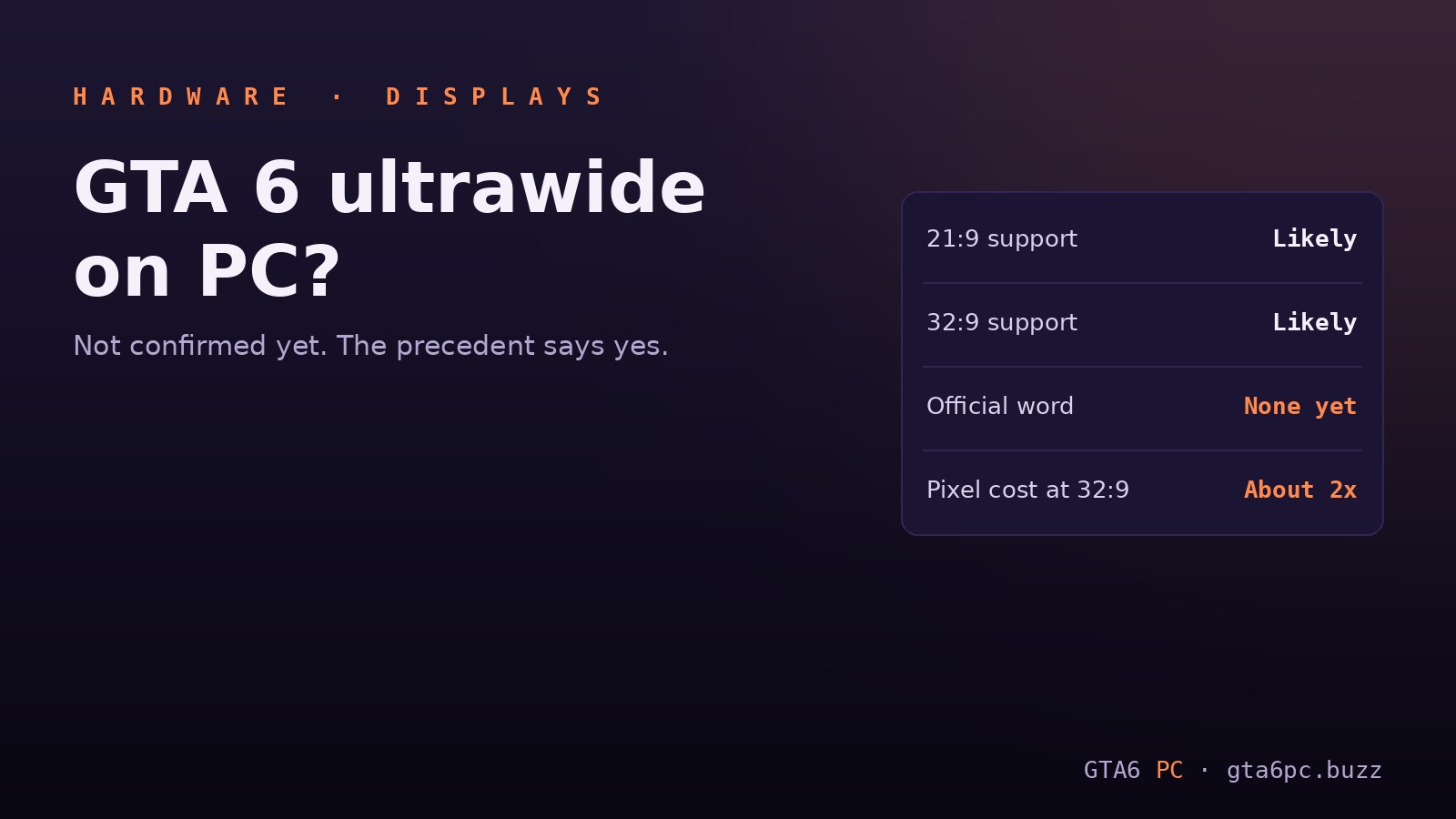
Rockstar has said nothing about GTA 6 on PC, so nothing about ultrawide support is official either. No PC release date, no store page, no system requirements and no display options have been announced. Any site that tells you ultrawide is confirmed for GTA 6 on PC is guessing, and some fan sites have published detailed ultrawide specifications that have no source behind them. Treat those as speculation, not news.
That said, the odds look good. Rockstar's PC ports have supported ultrawide for years, and the studio's most recent PC release made it an official headline feature. The question is not really whether ultrawide will work, it is how complete the support will be at 32:9 and what it will cost in frame rate.
What Rockstar's last PC ports did
The strongest precedent is the most recent one. When Red Dead Redemption came to PC on October 29, 2024, Rockstar's own announcement listed native 4K resolution at up to 144Hz, monitor support for both Ultrawide (21:9) and Super Ultrawide (32:9), HDR10 support and full keyboard and mouse functionality. That was a port of a 14 year old game, and ultrawide was still a listed feature. Take-Two's investor relations release repeats the same feature list word for word.
Red Dead Redemption 2 on PC, from 2019, also supports ultrawide. PC Gamer's settings guide notes that ultrawide and doublewide resolutions were selectable at launch, and a later review confirmed ultrawide support on PC. The support was not perfect: PCGamingWiki records that gameplay runs Hor+ at 32:9, meaning the wider screen shows more of the world, while cutscenes are windowboxed and the photo mode and loading screens are pillarboxed. A community FOV tool later removed the black bars from cutscenes and added custom field of view adjustment, which shows the limits were in presentation rather than in the engine.
GTA 5 on PC sits in the same pattern. PCGamingWiki lists its 32:9 support as limited, with cutscenes in 16:9 and UI scaling at 32:9 needing launch flags. The lesson across all three games is consistent: Rockstar supports ultrawide gameplay, and the rough edges are always in cutscenes and menus, not in the open world.
| Rockstar PC port | 21:9 gameplay | 32:9 gameplay | Cutscenes |
|---|---|---|---|
| Red Dead Redemption (2024) | Native, official | Native, official | Not specified |
| Red Dead Redemption 2 (2019) | Yes | Yes, Hor+ | Windowboxed |
| GTA 5 (2015) | Yes | Limited, needs flags | 16:9 |
| GTA 6 (unannounced) | Expected | Expected | Unknown |
If GTA 6 follows the same path, 21:9 should work out of the box and 32:9 should work with the same cutscene caveats as Red Dead Redemption 2. The newest port in the list is the one with the cleanest support, and GTA 6 would be the next one after it.
What ultrawide would cost in frame rate
A wider screen renders more pixels, and more pixels cost frame rate. The numbers are simple arithmetic, not speculation. A 3440x1440 ultrawide panel renders about 4.95 million pixels, roughly 34 percent more than the 3.69 million of a standard 2560x1440 screen. On the same graphics settings, expect roughly a 15 to 25 percent lower frame rate, depending on the card.
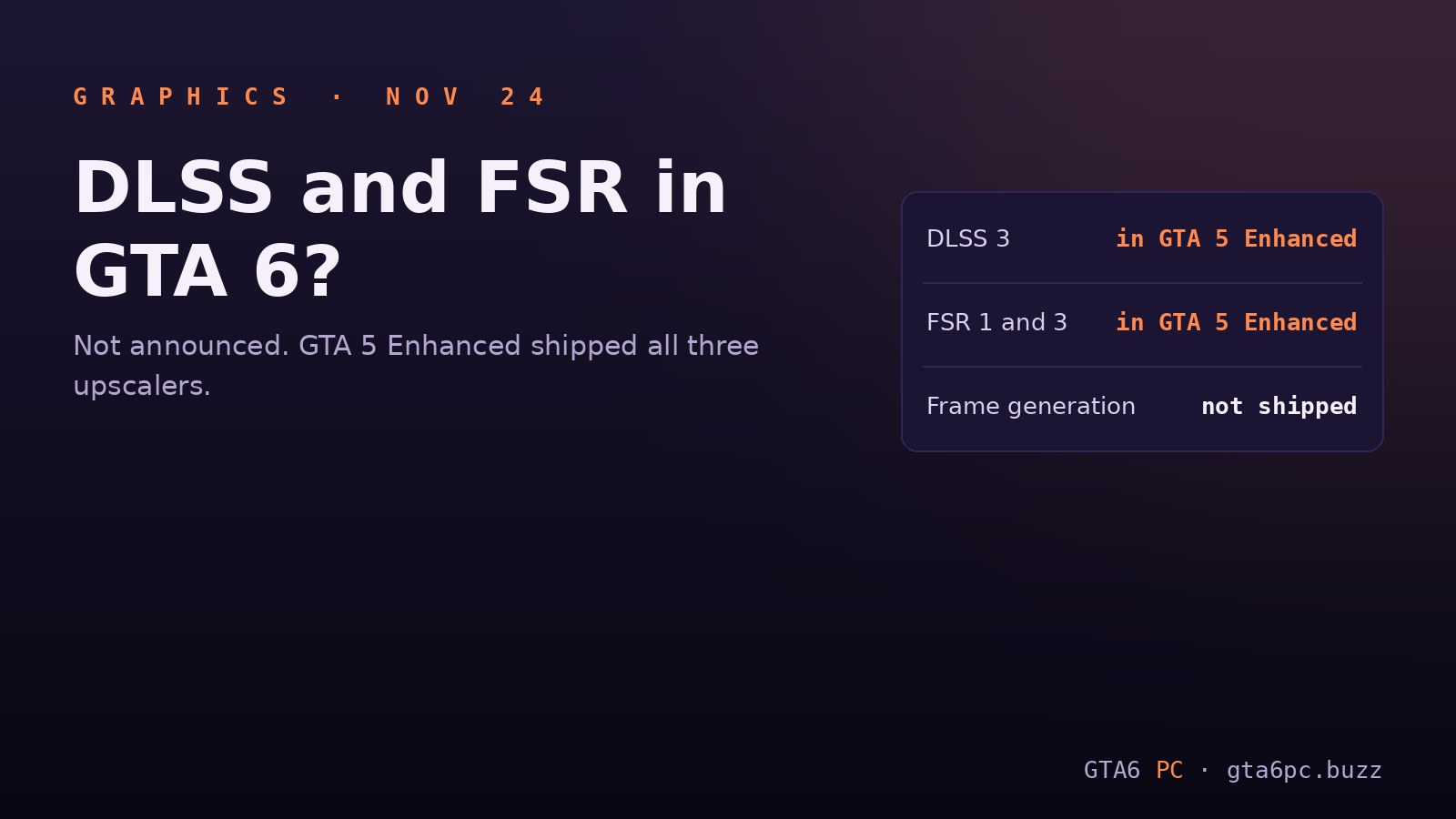
A 5120x1440 super ultrawide is a bigger step. At about 7.37 million pixels it is close to double a 1440p screen and near 4K territory, so it needs a high end graphics card to hold smooth frame rates at high settings. Our DLSS and FSR guide covers the upscaling tools that should help here: Rockstar's last two PC ports both support DLSS and FSR, and upscaling from a lower internal resolution is the practical way to run a super ultrawide panel without dropping settings.
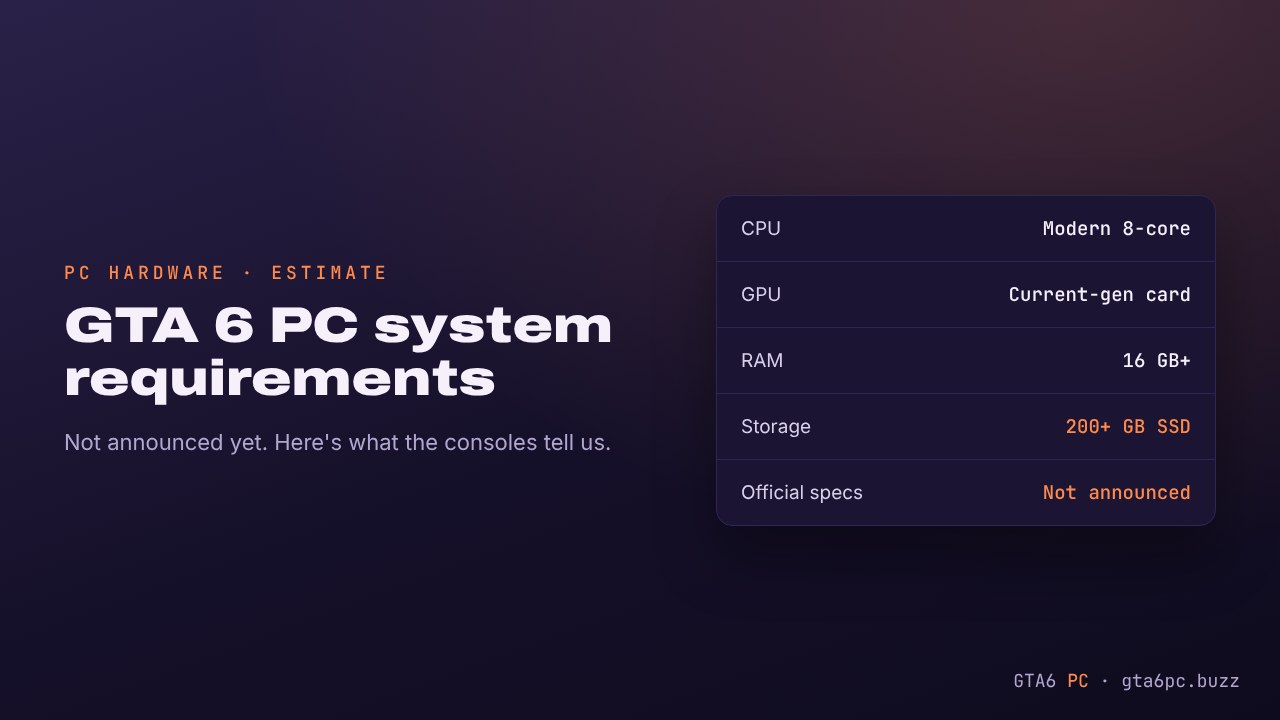
The wider view also shows more of the world, which puts more load on the CPU as well as the GPU. More pedestrians, traffic and scenery are on screen at once, and the game has to simulate them. That matters for GTA 6 in particular, because the console versions are already CPU limited at 30fps. Our system requirements guide explains why the processor matters as much as the graphics card for this game.
Cutscenes, HUD and menus
The open world is the easy part. The awkward parts in Rockstar's earlier ports were always the fixed presentation: cutscenes, menus and the HUD. In Red Dead Redemption 2, cutscenes play windowboxed, so an ultrawide screen shows black bars on all four sides during story scenes. The HUD and menus scale, but community tools exist precisely because some players want the bars gone.
For GTA 6, expect the same split. Driving through Vice City and Leonida in ultrawide should be the full panoramic view. Story cutscenes will probably be letterboxed to preserve the cinematic framing, which is a deliberate choice in many games rather than a bug. If a community fix appears for the cutscenes, remember the warning from the Red Dead Redemption 2 mod scene: use such tools in single player only, because Rockstar can treat mods in GTA Online as a ban risk. Our mods guide covers that line in detail.
Ultrawide on a console? No
If you are playing on PS5 or Xbox Series X|S, an ultrawide monitor does not give you an ultrawide game. Consoles output a 16:9 picture, so the game renders with black bars on the sides of a 21:9 or 32:9 panel. Some monitors offer a stretch mode, but that distorts the image rather than showing more of the world. Full ultrawide support is a PC feature, and it only arrives with the PC version. For now, the only way to play GTA 6 on a PC screen is to stream it from your own console, and that stream is 16:9 as well.
What to do while you wait
Do not buy a monitor for a feature that is not confirmed yet. If you already own an ultrawide panel, you are in a good position: the precedent says it should work, and the only open question is how polished the 32:9 support will be. If you are buying a monitor now and GTA 6 is the reason, a 21:9 3440x1440 panel is the safer bet, because it is the ratio Rockstar has supported cleanly in every PC port, and its performance cost is manageable. A 32:9 panel is a bigger commitment in both price and graphics card, and you would be buying it on the strength of one official precedent from 2024.
The confirmation, when it comes, will arrive with the PC announcement itself, most likely on the Rockstar Newswire with the system requirements. We update this page when Rockstar says anything new.
Last updated . We update this page when Rockstar announces anything new.